
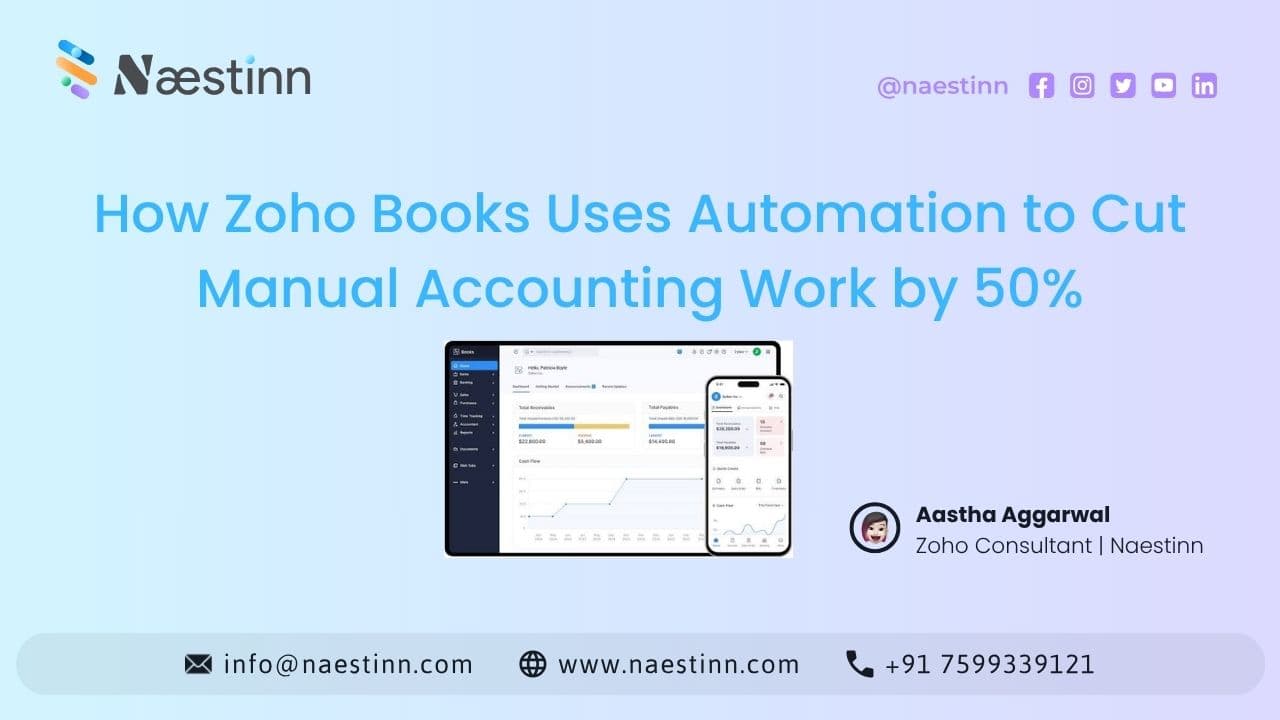
Accounting teams spend a significant amount of time on repetitive activities such as creating invoices, recording expenses, following up on payments, reconciling transactions and preparing reports.
As a business grows, these manual tasks can consume even more time.
This is where Zoho Books automation can help.
Instead of relying on employees to complete every accounting task manually, businesses can automate recurring processes, payment reminders, bank-related activities, workflows and other routine operations.
For manufacturing, automotive, trading and corporate businesses, this can help accounting teams spend less time on data entry and more time on financial analysis and decision-making.
Important: The exact amount of time saved depends on the business process, transaction volume and level of automation. A fixed 50% reduction should be treated as a potential target rather than a guaranteed result.
1. Automate Invoice Creation
Creating invoices manually for every transaction can become repetitive.
Zoho Books allows businesses to automate recurring invoices for customers who are billed regularly.
For example:
Customer → Recurring Invoice → Automatic Generation → Payment Reminder
This can reduce repetitive invoice creation and help businesses maintain consistent billing.
2. Automate Payment Reminders
Following up with customers for overdue payments is another time-consuming accounting task.
Instead of manually sending every reminder, businesses can configure automated payment reminders based on invoice due dates.
For example:
Invoice Created → Due Date Approaches → Reminder → Overdue Reminder
This helps finance teams maintain a more consistent collection process.
3. Automate Bank Transaction Matching
Bank reconciliation can involve reviewing large numbers of transactions.
Zoho Books provides bank feeds and reconciliation features that can help businesses match transactions and reduce manual data entry.
Its AI capabilities can also assist with categorizing bank statement transactions based on available information.
The accountant can review the suggested categorization before finalizing it.
4. Automate Expense Management
Businesses deal with many expenses every month.
Instead of manually entering every expense, businesses can use features such as:
-
Expense recording
-
Expense reports
-
Approval workflows
-
Automated notifications
-
Recurring expenses
This can make expense management more structured and reduce repetitive administrative work.
5. Automate Approval Workflows
Finance teams often need approvals for expenses, purchase transactions or other financial activities.
A manual process may look like:
Employee → Email Manager → Wait → Approval → Finance Entry
With automation, the process can become:
Request → Automatic Approval Workflow → Notification → Approved → Next Step
This can help reduce unnecessary back-and-forth between departments.
6. Automate Recurring Transactions
Businesses often have transactions that repeat regularly.
Examples include:
-
Monthly expenses
-
Recurring invoices
-
Subscription payments
-
Regular customer billing
Instead of creating these transactions manually every time, businesses can configure recurring transactions where appropriate.
This is particularly useful for businesses with predictable billing cycles.
7. Automate GST-Related Processes
For Indian businesses, accounting often involves GST-related activities.
Zoho Books supports GST features including GST returns, reconciliation and e-invoicing workflows.
Automating relevant GST processes can help reduce repetitive data handling and make compliance workflows more organized.
However, businesses should still ensure that accounting and tax information is reviewed appropriately.
8. Connect Accounting With Other Business Functions
One of the biggest advantages of Zoho Books is that it doesn't have to operate as an isolated accounting system.
Businesses can connect accounting with applications such as Zoho CRM and Zoho Inventory.
For example:
Lead → Deal → Customer → Invoice → Inventory → Payment
This can reduce duplicate data entry and help different departments work with connected information.
Zoho Books and Zoho Inventory can synchronize relevant transactions, while Zoho CRM can be integrated to connect customer and sales information with accounting processes.
9. Use Automation for Manufacturing Businesses
Manufacturing businesses often have multiple processes happening simultaneously.
For example:
Sales Order → Purchase → Inventory → Production → Dispatch → Invoice → Payment
If accounting information is entered manually at every stage, employees can spend considerable time updating records.
Connecting Zoho applications can help create a more structured flow between sales, inventory and accounting.
This is especially useful for growing manufacturers dealing with increasing transaction volumes.
10. Use Automation for Trading Businesses
Trading companies often deal with high volumes of:
-
Sales orders
-
Purchase orders
-
Customer invoices
-
Vendor bills
-
Payments
-
Inventory transactions
Automation can help reduce repetitive work across these processes.
For example:
Sales Order → Inventory Update → Invoice → Payment Reminder
Instead of employees manually coordinating each stage, connected systems and workflows can handle appropriate actions automatically.
How Much Manual Work Can Zoho Books Reduce?
There isn't a universal percentage.
A business with highly repetitive accounting processes may achieve significant time savings, while another business with complex manual workflows may require customization and process redesign first.
The better approach is to identify where employees currently spend the most time.
|
Manual Task |
Automation Opportunity |
|
Creating recurring invoices |
Recurring invoices |
|
Sending payment reminders |
Automated reminders |
|
Bank categorization |
AI-assisted categorization |
|
Expense approvals |
Approval workflows |
|
Recurring transactions |
Automated recurring transactions |
|
GST processes |
Digital GST workflows |
|
CRM-to-invoice data entry |
CRM integration |
|
Inventory-to-accounting updates |
Inventory integration |
The goal should be to measure time saved, rather than simply promise a percentage.
Why Implementation Matters
Buying Zoho Books is only the first step.
If automation isn't configured correctly, employees may continue performing the same manual tasks.
A proper implementation should identify:
-
Which processes should be automated
-
Which approvals are required
-
Which applications need integration
-
What data should move between systems
-
Which employees need access
-
What reports management needs
This is where a Zoho Books implementation partner can add value.
Conclusion
Zoho Books can help businesses reduce repetitive accounting work through automated invoicing, payment reminders, recurring transactions, approval workflows, bank reconciliation, GST processes and integrations.
For manufacturing, automotive, trading and corporate businesses, connecting accounting with CRM and inventory can create even greater opportunities for automation.
However, there is no universal "50% reduction" for every business.
The actual benefit depends on how much manual work exists today and how effectively the automation is implemented.
Frequently Asked Questions
What is Zoho Books automation?
Can Zoho Books reduce manual accounting work?
Can Zoho Books automate payment reminders?
Can Zoho Books automate recurring invoices?
Can Zoho Books automate bank reconciliation?
Table of Contents
Top Stories

Turn your vision into
scalable reality.
Stop guessing with AI-generated scopes. Get reliable architecture, expert engineering, and a product that scales.