
Managing business finances efficiently is critical for growth, profitability, and compliance. However, many businesses still rely on spreadsheets, manual bookkeeping, and disconnected accounting processes that consume time and increase the risk of errors.
This is where Zoho Books comes in.
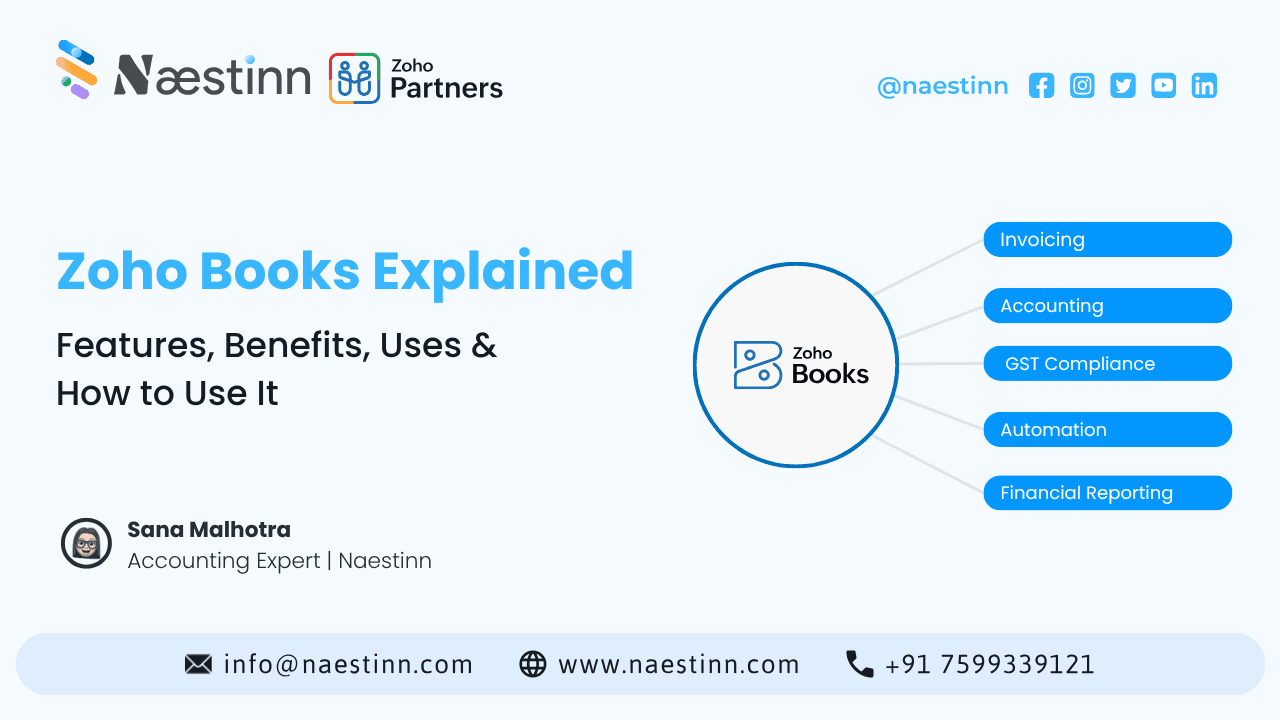
Zoho Books is a cloud-based accounting software designed to help businesses manage invoices, expenses, inventory, banking, taxes, and financial reporting from a single platform.
Whether you're a startup, small business, freelancer, growing enterprise, or e-commerce company, Zoho Books offers tools that simplify accounting while improving financial visibility and operational efficiency.
In this guide, we'll explain what Zoho Books is, its key features, benefits, business use cases, and how to get started.
What Is Zoho Books?
Zoho Books is an online accounting and business finance management platform that helps organizations automate financial operations.
It enables businesses to:
-
Manage invoices
-
Track expenses
-
Monitor cash flow
-
Handle GST compliance
-
Reconcile bank transactions
-
Manage inventory
-
Generate financial reports
Because it is cloud-based, users can access financial data anytime and from anywhere.
The platform is particularly popular among small and medium-sized businesses due to its affordability, automation capabilities, and integration with the broader Zoho ecosystem.
Why Businesses Use Zoho Books
Financial management is about more than bookkeeping.
Businesses need real-time visibility into:
-
Revenue
-
Expenses
-
Profitability
-
Outstanding payments
-
Tax obligations
-
Cash flow
Zoho Books centralizes these activities, helping organizations make informed financial decisions.
Some common users include:
-
Startups
-
SMEs
-
Freelancers
-
Agencies
-
Consultants
-
E-commerce businesses
-
Service providers
Key Features of Zoho Books
1. Invoice Management
Creating professional invoices is one of Zoho Books' most widely used features.
Businesses can:
-
Create customized invoices
-
Send invoices online
-
Schedule recurring invoices
-
Track payment status
-
Set payment reminders
Benefits
✔ Faster payments
✔ Reduced manual effort
✔ Improved customer experience
2. Expense Tracking
Monitoring expenses is essential for maintaining profitability.
Zoho Books helps businesses:
-
Record expenses
-
Upload receipts
-
Categorize spending
-
Track reimbursements
This provides better control over business spending.
3. Bank Reconciliation
Manual reconciliation can be time-consuming and prone to errors.
Zoho Books automates much of the process by:
-
Connecting bank accounts
-
Importing transactions
-
Matching records automatically
This improves accounting accuracy while saving time.
4. GST Compliance
For businesses operating in India, GST compliance is critical.
Zoho Books supports:
-
GST invoicing
-
Tax calculations
-
GST reports
-
Compliance tracking
This helps businesses remain compliant with tax regulations.
5. Inventory Management
Businesses selling products can manage inventory directly within Zoho Books.
Features include:
-
Stock tracking
-
Product management
-
Purchase orders
-
Inventory adjustments
This improves operational efficiency and inventory visibility.
6. Financial Reporting
Business owners need clear financial insights.
Zoho Books provides reports such as:
-
Profit & Loss Statements
-
Balance Sheets
-
Cash Flow Reports
-
Expense Reports
-
Tax Reports
These reports help businesses make informed decisions.
7. Workflow Automation
Automation is one of Zoho Books' biggest advantages.
Businesses can automate:
-
Invoice reminders
-
Approval processes
-
Recurring transactions
-
Payment notifications
This reduces manual work and improves productivity.
Benefits of Using Zoho Books
-
Improved Financial Accuracy
Automation reduces human errors and improves bookkeeping consistency.
-
Time Savings
Tasks that once required hours can often be completed in minutes
-
Better Cash Flow Management
Businesses gain visibility into:
-
Outstanding invoices
-
Upcoming expenses
-
Cash flow trends
-
This supports better financial planning.
-
Enhanced Collaboration
Multiple users can access financial information securely, making collaboration easier across teams.
-
Business Scalability
As organizations grow, Zoho Books can scale with them through additional features, integrations, and automation capabilities.
Common Use Cases of Zoho Books
- Small Businesses
Manage accounting without hiring a large finance team.
-
Freelancers and Consultants
Create invoices, track expenses, and manage client payments.
-
Agencies
Monitor project finances and automate billing processes.
-
E-commerce Businesses
Track inventory, sales, expenses, and financial performance from a centralized platform.
-
Service-Based Businesses
Manage recurring invoices, customer billing, and financial reporting efficiently.
How to Use Zoho Books: Step-by-Step Guide
Step 1: Create Your Zoho Books Account
Sign up and configure your business profile.
Add:
-
Business name
-
Address
-
Tax information
-
Currency settings
Step 2: Set Up Customers and Vendors
Add:
-
Customer details
-
Vendor information
-
Payment terms
This helps organize transactions and relationships.
Step 3: Connect Bank Accounts
Integrate business banking accounts to automate transaction tracking and reconciliation.
Step 4: Configure Taxes
Set up GST and other applicable taxes based on your business requirements.
Step 5: Create Products and Services
Add:
-
Products
-
Services
-
Pricing
-
Inventory information
This streamlines invoicing and reporting.
Step 6: Start Creating Invoices
Generate professional invoices and send them directly to customers.
Step 7: Track Expenses and Reports
Regularly review:
-
Expenses
-
Cash flow
-
Profitability
-
Outstanding payments
This ensures better financial control.
Zoho Books vs Traditional Accounting Methods
|
Feature |
Traditional Accounting |
Zoho Books |
|
Invoice Automation |
Limited |
Yes |
|
Real-Time Reporting |
No |
Yes |
|
Cloud Access |
No |
Yes |
|
Bank Reconciliation |
Manual |
Automated |
|
GST Compliance |
Manual |
Built-In |
|
Expense Tracking |
Manual |
Automated |
|
Workflow Automation |
Limited |
Extensive |
The result is improved efficiency, accuracy, and visibility.
Who Should Use Zoho Books?
Zoho Books is ideal for:
✔ Startups
✔ Small Businesses
✔ Agencies
✔ Consultants
✔ E-commerce Stores
✔ Professional Service Firms
✔ Growing Organizations
Businesses seeking automation and real-time financial insights often find significant value in the platform.
Why Zoho Books Is Popular in 2026
Businesses are increasingly adopting cloud-based accounting solutions because they offer:
-
Greater flexibility
-
Improved automation
-
Better reporting
-
Enhanced collaboration
-
Lower administrative burden
Zoho Books aligns with these requirements while remaining affordable and scalable.
As digital transformation continues, cloud accounting platforms are becoming essential business tools rather than optional software.
How Naestinn Helps Businesses Implement Zoho Books
As a zoho partner, we help businesses streamline financial operations through:
-
Zoho Books Setup & Configuration
-
Accounting Process Automation
-
Zoho Integration Services
-
Financial Workflow Optimization
-
CRM & ERP Integrations
-
Business Process Consulting
-
Custom Automation Solutions
Whether you're implementing Zoho Books for the first time or optimizing an existing setup, our team can help maximize efficiency and ROI.
Conclusion
Zoho Books is more than an accounting platform—it's a complete financial management solution designed to help businesses automate operations, improve accuracy, and gain better visibility into their finances.
From invoicing and expense tracking to GST compliance and financial reporting, Zoho Books enables organizations to simplify complex accounting processes and focus on growth.
For businesses looking to modernize financial management in 2026, Zoho Books offers a powerful, scalable, and user-friendly solution that supports smarter decision-making and long-term success.
nting • Automation • Financial Reporting
Frequently Asked Questions
Why do businesses choose Zoho Books over manual accounting?
Is Zoho Books suitable for startups and growing companies?
Can Zoho Books help improve financial visibility?
Does Zoho Books support recurring billing?
How does Zoho Books reduce manual accounting work?
Table of Contents
Top Stories


Turn your vision into
scalable reality.
Stop guessing with AI-generated scopes. Get reliable architecture, expert engineering, and a product that scales.